
What Is a Web Application Firewall (WAF)?
A Web Application Firewall (WAF) secures web applications by filtering HTTP traffic and blocking common attacks like SQL injection and cross-site scripting (XSS) in real time.

ON THIS PAGE
0% read
- Understanding the Web Application Firewall (WAF)
- The Mechanics: How Does a Web Application Firewall Work?
- Critical Cyber Threats Mitigated by a WAF
- Types of Web Application Firewalls: Choosing the Right Deployment
- WAF vs. Other Security Systems: Clearing the Confusion
- Why Your Enterprise Cannot Ignore WAF in Today's Threat Landscape
- Best Practices for Implementing and Managing a WAF
A Web Application Firewall (WAF) secures web applications by filtering HTTP traffic and blocking common attacks like SQL injection and cross-site scripting (XSS) in real time. Unlike standard network firewalls that monitor data at lower network layers, a WAF sits at the application layer (OSI Layer 7), inspecting every incoming and outgoing packet to identify malicious activity before it reaches your web server. For business owners, security architects, and IT decision-makers, implementing a WAF is a critical step in shielding enterprise digital assets from targeted application-layer attacks. This comprehensive guide covers the technical inner workings, operational models, deployment strategies, and comparative metrics necessary to select, deploy, and manage a WAF successfully.
Understanding the Web Application Firewall (WAF)
The Definition and Core Purpose of a WAF
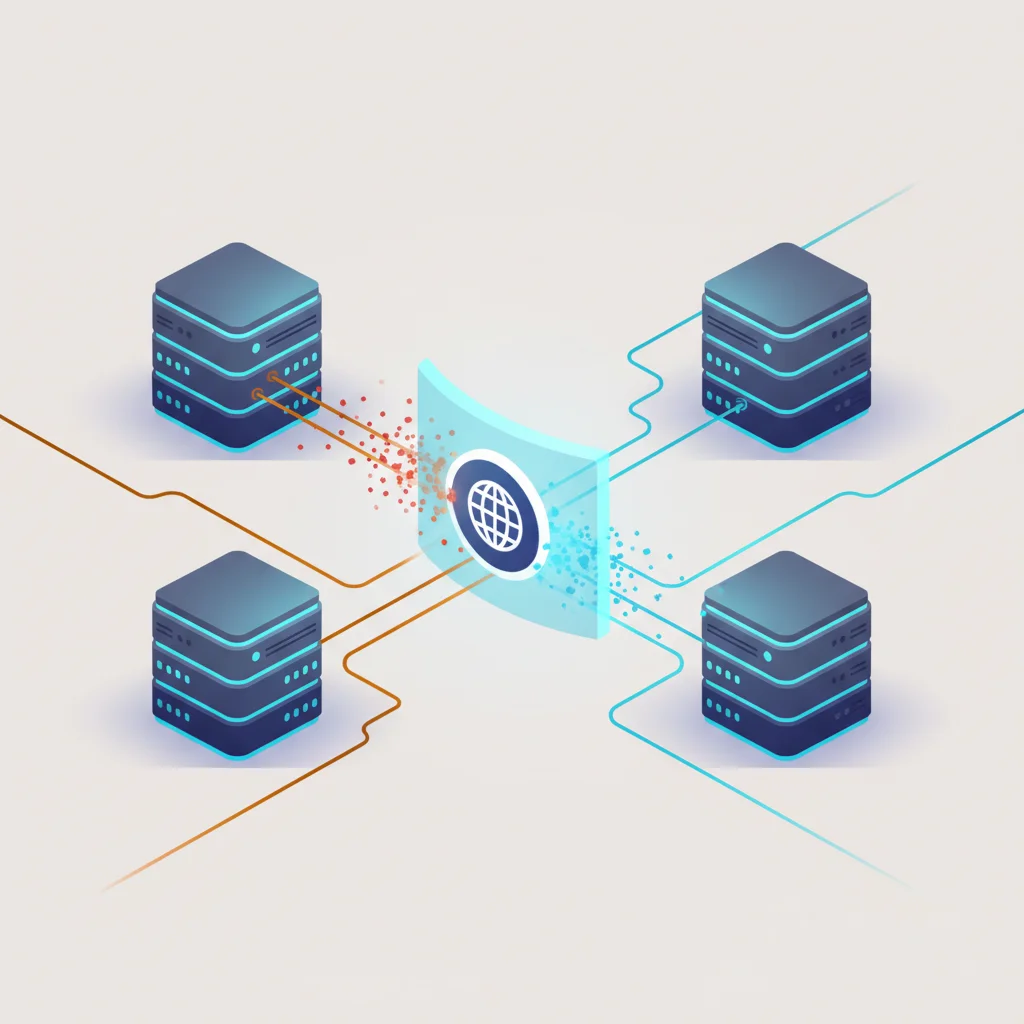
A Web Application Firewall (WAF) functions as a specialized security barrier designed to monitor, filter, and block HTTP and HTTPS requests traveling to and from a web application or API. Operating as a reverse proxy, it establishes an intermediary inspection point between external clients and the hosting web server security perimeter. This placement allows the system to dissect incoming application-layer payloads and assess their intent before the target server executes any underlying code. By examining the application-layer metadata, headers, parameters, and payload bodies, a WAF identifies and neutralizes exploit attempts that slip past standard network-level defenses.
The core purpose of a WAF is to protect web applications from targeted, sophisticated software vulnerabilities. Modern web applications are dynamic, relying on complex databases, scripting languages, APIs, and third-party integrations. These components expose a broad attack surface, making them prime targets for malicious actors seeking unauthorized access, database extraction, or service disruptions. A WAF enforces customized security rulesets tailored to the specific vulnerabilities of the hosted applications. It mitigates the threat of vulnerability exploitation, controls automated bot management, and limits abuse patterns, allowing organizations to maintain application availability and integrity.
In corporate environments, the deployment of a WAF provides an immediate layer of defense while underlying security vulnerabilities are addressed within the software development life cycle (SDLC). When security teams discover a zero-day vulnerability in an application stack, refactoring the codebase, testing the patch, and deploying it to production can take days or weeks. A WAF enables security operations center (SOC) teams to deploy custom virtual patches instantly. This mitigates the immediate risk without causing application downtime or disrupting the development pipeline.
How a WAF Differs from Traditional Network Firewalls
Traditional network firewalls, such as stateful packet inspection (SPI) firewalls, operate at the lower layers of the Open Systems Interconnection (OSI) model, specifically Layer 3 (Network) and Layer 4 (Transport). They regulate traffic based on basic parameters: source IP addresses, destination IP addresses, packet routing protocols, and specific port numbers (e.g., blocking Port 21 for FTP or opening Port 443 for HTTPS). While these parameters are effective for establishing a secure network perimeter and controlling broad access across the enterprise network, they cannot inspect the semantic content within the packets themselves. Once a port is open, a traditional firewall permits all traffic passing through it, regardless of whether that traffic contains standard data or malicious payloads.
In contrast, a WAF operates at OSI Layer 7 (Application). It possesses deep protocol awareness of HTTP and HTTPS structures. While a network firewall checks if a packet is arriving on Port 443, a WAF decrypts the payload (if configured with the appropriate TLS certificates) and inspects the HTTP request method (GET, POST, PUT, DELETE), cookies, query parameters, multipart form boundaries, and JSON-formatted data. It evaluates the logical structure of the input to ensure it adheres to expected behaviors. For example, if a user inputs a string containing database command structures into a form field, a network firewall will pass the packet without issue because it arrives via an allowed port. A WAF, however, identifies the SQL syntax, marks it as an injection attempt, and drops the connection.
This fundamental difference in visibility shapes how both systems protect corporate infrastructures. Traditional firewalls prevent unauthorized access between distinct network segments and safeguard internal resources from direct network-level exposures. A WAF assumes the application is accessible to the public internet and focuses entirely on protecting the application logic from exploitation. Organizations require both technologies working in tandem to build a comprehensive, multi-layered cybersecurity posture that defends against both network-level and application-level attack vectors.
The Mechanics: How Does a Web Application Firewall Work?
OSI Layer 7 Protection Explained
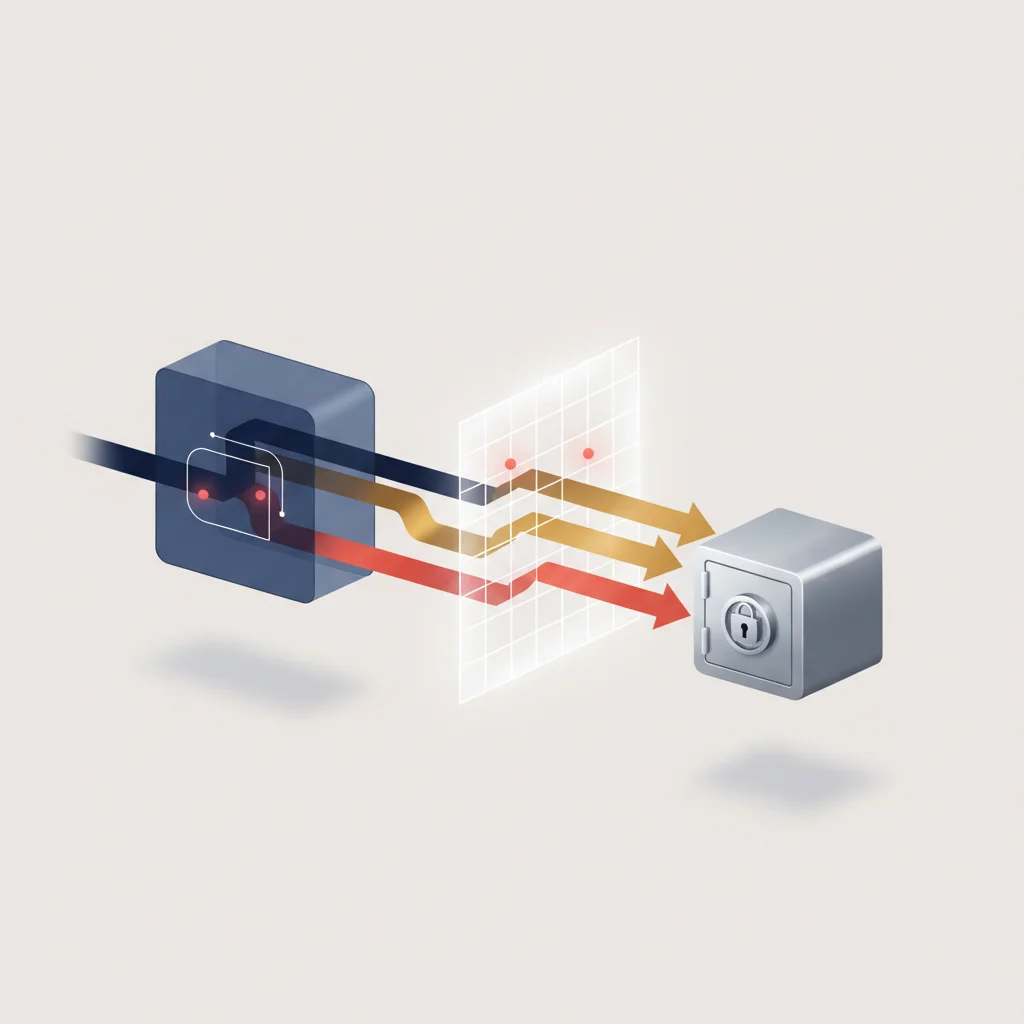
To execute OSI Layer 7 protection, a WAF processes incoming traffic through a series of highly structured parsing, decoding, and normalization phases. When a client initiates an HTTPS request to a protected application, the WAF first terminates the TLS connection. Because HTTPS encrypts the entire application payload, the WAF must decrypt the traffic to expose the plaintext HTTP headers and body. Once decrypted, the WAF parses the raw data stream into standard HTTP structures. This includes separating the HTTP request line, parsing all header key-value pairs (such as User-Agent, Host, and Cookies), and extracting raw payload structures from the request body, whether they are URL-encoded, JSON, XML, or binary data.
Following parsing, the WAF normalizes the extracted data. Normalization is a critical preprocessing step that prevents evasion techniques used by attackers. Sophisticated adversaries often obscure malicious payloads using double URL encoding, hex encoding, base64 encoding, mixed-case lettering, or inserting specific comment characters (such as SQL's @@CODE0@@) to bypass basic pattern matching. The WAF's normalization engines translate these various encodings back to their raw, base representations. For example, %27 is decoded back into a single quote @@CODE1@@, and mixed-case keywords like SeLeCt are converted to standard lowercase.
Once the request is normalized, the engine evaluates it against configured security rulesets. The WAF checks for specific patterns, structural anomalies, and protocol compliance issues. This phase involves matching normalized inputs against known signatures, analyzing payload structures using abstract syntax trees, and evaluating connection behaviors against established baselines. If the request complies with all active safety parameters, the WAF re-encrypts the traffic (if using end-to-end TLS) and forwards it to the upstream application server. If a violation is flagged, the WAF applies configured actions, which may include dropping the connection, returning a custom error code (e.g., HTTP 403 Forbidden), alerting security teams, or prompting the client with a CAPTCHA.
Positive vs. Negative Security Models (Allowlisting vs. Blocklisting)
WAF rulesets generally follow two primary methodology philosophies: the negative security model (blocklisting) and the positive security model (allowlisting). Each approach offers distinct advantages, resource requirements, and operational characteristics that impact how web traffic inspection is conducted.
The Negative Security Model operates under the assumption that all web traffic is inherently safe unless it matches a known threat pattern or signature. This model relies on extensive signature databases that detail the syntax, footprints, and patterns of known vulnerability exploitations. When a request matches a blocklist rule (such as an OWASP Top 10 injection pattern), it is blocked. The negative model is highly effective for protecting legacy applications with complex or poorly documented behavior. It is easy to deploy out of the box because major providers supply pre-configured, auto-updating managed rulesets. However, the negative model is susceptible to zero-day attacks—exploits for which signatures have not yet been created and distributed. It also risks false negatives if an attacker slightly alters an attack pattern to evade the signature database.
The Positive Security Model takes the opposite approach, operating under a strict zero-trust principle where all incoming requests are blocked by default unless they conform to a tightly defined set of allowed rules. Security teams define strict parameters for every application input: allowed characters, maximum length, expected data types (e.g., integer only), accepted HTTP methods, and valid URI paths. This model is exceptionally resilient against zero-day exploits because any unexpected syntax is blocked automatically, regardless of whether the exploit is known. However, implementing a positive security model requires a deep understanding of the underlying application architecture. It demands substantial development resources to construct, test, and continuously maintain the allowlist schemas, especially in agile environments where application codebases and API endpoints change frequently.
Hybrid Security Approaches
To balance the operational trade-offs of positive and negative security configurations, modern enterprise-grade WAFs employ hybrid security approaches. A hybrid configuration combines the rapid deployment and broad coverage of signature blocklists with the precision and zero-day resilience of target-specific allowlists. Security teams often configure positive security rules on sensitive, structured inputs (such as authentication fields and API endpoints that accept strict JSON schemas) while deploying negative security rules across broader, unstructured content areas (such as public search inputs or user comment sections).
In addition to combining positive and negative models, hybrid systems integrate behavioral heuristics, anomaly scoring, and real-time threat intelligence. Rather than evaluating each HTTP request in absolute isolation, hybrid engines analyze requests contextually across a user session. The system assigns anomaly scores to various characteristics of incoming requests; single minor deviations might trigger warnings, but multiple flags across a session will cross a set threshold and trigger a block. This reduces false positives, enhances detection of stealthy multi-step attacks, and provides a customizable layer of defense that adapts dynamically to changing threat environments.
Critical Cyber Threats Mitigated by a WAF
SQL Injection (SQLi) Prevention
SQL Injection (SQLi) remains one of the most severe threats to database-backed web applications. It occurs when an attacker inputs malicious SQL commands into input fields, query parameters, or headers, intending to trick the backend database interpreter into executing unauthorized queries. If successful, SQLi allows attackers to bypass authentication mechanisms, read sensitive records from the database, modify or destroy data, and potentially execute administrative commands on the database host server.
A WAF prevents SQLi by inspecting input streams for SQL syntax structures, syntax keywords (such as @@CODE0@@, @@CODE1@@, @@CODE2@@, @@CODE3@@), and character sequences (like ' OR '1'='1). Because attackers use encoding techniques to evade simple keyword blocks, the WAF normalizes the inputs first, stripping out comments and decoding nested encodings. Modern WAF engines use SQL parsing technologies that reconstruct the inputs into an Abstract Syntax Tree (AST). This allows the WAF to understand the semantic intent of the input. If the parsed structure resembles an executable database command rather than a simple alphanumeric string, the WAF blocks the request, preserving database integrity.
Cross-Site Scripting (XSS) Mitigation
Cross-Site Scripting (XSS) targets the users of a web application rather than the backend database. In an XSS attack, an adversary injects malicious scripts (typically JavaScript) into a trusted website's parameters. When a victim's browser loads the affected page, it executes the injected script, believing it is legitimate application code. This execution can allow the attacker to steal session cookies, hijack user sessions, deface websites, or redirect users to malicious landing pages.
+-----------------------------------------------------------------------------+
|                         WAF XSS Mitigation Pipeline                        |
+-----------------------------------------------------------------------------+
|  [Incoming HTTP Request]                                                    |
|            │                                                                |
|            ▼                                                                |
|  [Normalization Engine]  ──► Decodes Hex, Base64, HTML Entities             |
|            │                                                                |
|            ▼                                                                |
|  [Syntax Analyzer]       ──► Parses tags (<script>, <iframe>, <object>)     |
|            │             ──► Inspects Event Handlers (onload, onerror)      |
|            │             ──► Evaluates DOM Manipulation Payloads            |
|            ▼                                                                |
|  [Policy Enforcement]    ──► Matches against XSS signature database         |
|            │             ──► Checks input parameter length & type patterns  |
|            ▼                                                                |
|  [Action Execution]      ──► Block / Strip Script Tags / Request Dropped    |
+-----------------------------------------------------------------------------+
A WAF mitigates XSS by identifying dangerous HTML and JavaScript constructs within incoming request payloads. It monitors parameters for HTML tags such as @@CODE0@@, @@CODE1@@, @@CODE2@@, as well as JavaScript event handlers like @@CODE3@@, @@CODE4@@, and @@CODE5@@ pseudo-protocols. The WAF's normalization process is vital here, as attackers often use obscure HTML entity encodings to hide payload elements. By identifying and scrubbing these patterns from input fields before they reach the web server, the WAF prevents stored, reflected, and DOM-based XSS attacks from compromising client browsers.
Defending Against Distributed Denial-of-Service (DDoS) Attacks
While volumetric Distributed Denial-of-Service (DDoS) attacks target the network perimeter by flooding bandwidth pipes at OSI Layers 3 and 4, application-layer DDoS attacks (Layer 7) focus on exhausting the specific application and database resources of the target web server. These attacks, such as HTTP GET/POST floods, Slowloris, or Slow POST attacks, mimic legitimate user traffic. They send slow, continuous, or highly concurrent requests designed to consume database connection pools, memory limits, and CPU cycles, rendering the application inaccessible to genuine users.
A WAF defends against Layer 7 DDoS attacks using rate-limiting policies, client fingerprinting, and behavioral thresholds. It tracks the number of concurrent connections and request rates generated by individual IP addresses or session tokens. If an IP or client identifier exceeds normal baselines, the WAF throttles their access or blocks them. For slow-rate attacks like Slowloris, the WAF enforces timeout limits on how long an HTTP header or request body can take to complete. Furthermore, modern WAFs utilize Javascript challenges and CAPTCHAs to dynamically differentiate between automated botnets and human visitors, maintaining service availability during targeted application-layer surges.
Protection from Zero-Day Vulnerabilities and OWASP Top 10
The OWASP Top 10 lists the most critical security risks facing web applications, including broken access control, cryptographic failures, and injection attacks. A WAF acts as an immediate, adaptable defensive layer covering these common security gaps. It provides protection against zero-day exploits—vulnerabilities that are discovered by the public before the software vendor can develop and release an official security patch.
When a zero-day exploit emerges (for instance, the Log4Shell vulnerability in late 2021), security teams cannot wait for developers to audit and patch every dependent code repository. Instead, a WAF allows administrators to deploy custom rules instantly. These virtual patches analyze the network traffic for the specific payload structure used by the zero-day exploit and block it at the gateway. This virtual patching capability keeps critical systems protected during the remediation process, reducing exposure windows from weeks to minutes.
Types of Web Application Firewalls: Choosing the Right Deployment

Network-Based WAFs (Hardware)
Network-based WAFs (often referred to as hardware WAFs) are physical appliances installed directly within the local enterprise data center. They are typically positioned behind the core perimeter firewalls and routers, but in front of the local application and database servers. Because they reside on-premises, hardware WAFs minimize latency, as traffic does not need to traverse external networks for security inspection. They are typically equipped with dedicated hardware acceleration chips and cryptographic coprocessors to handle high-volume SSL/TLS decryption and deep packet inspection with minimal overhead.
However, network-based WAFs involve significant capital expenditure (CapEx) for procurement, installation, and ongoing maintenance. Organizations must manage physical space, electrical power, cooling requirements, and hardware lifecycle deprecation. Scalability is also limited; when traffic volumes grow beyond the processing capacity of the physical appliance, organizations must purchase and configure additional physical units. Consequently, hardware-based deployments are generally preferred by large enterprises, financial institutions, and government entities with dedicated on-premises infrastructure and strict local data residency requirements.
Host-Based WAFs (Software)
Host-based WAFs are software solutions integrated directly into the host web server's architecture. They can be installed as system-level modules (for example, ModSecurity running on Apache or Nginx) or deployed as lightweight security agents within virtual machines and containerized microservices. Since the WAF runs directly on the application host, it has direct access to the application's environment and can inspect incoming requests after the web server has handled TLS decryption and header parsing. This eliminates the need for separate decryption setups and keeps infrastructure footprints low.
The primary limitation of host-based WAFs is resource consumption. Because the security software shares CPU, memory, and I/O resources with the host operating system and web server applications, high-volume traffic or intensive rule matching can degrade application performance. In addition, managing host-based software across large, distributed microservice architectures or multi-cloud environments can be operationally complex. Every virtual host requires independent configuration, rule synchronization, updates, and performance tuning, which increases administrative overhead for DevOps and security operations teams.
Cloud-Based WAFs (WAF-as-a-Service)
Cloud-based WAFs represent a modern, highly scalable SaaS (Security-as-a-Service) model. They are deployed at the DNS level, requiring organizations to redirect their domain's DNS CNAME or A records to point to the cloud WAF provider's globally distributed reverse proxy network. This setup ensures that all incoming web traffic is routed through the cloud provider's points of presence (PoPs) first. The cloud WAF inspects, filters, and sanitizes the traffic before forwarding only legitimate requests to the organization's origin servers.
+------------------------------------------------------------------------------+
|                        Cloud-Based WAF Traffic Routing                       |
+------------------------------------------------------------------------------+
|  [External Client] ──► DNS Resolution ──► [Cloud WAF PoP / Global CDN]       |
|                                                     │                        |
|                                                     ├─► Malicious: Blocked   |
|                                                     │                        |
|                                                     ▼                        |
|                                            [Clean Traffic Only]              |
|                                                     │                        |
|                                                     ▼                        |
|                                            [Enterprise Origin Server]        |
+------------------------------------------------------------------------------+
Cloud-based WAFs are subscription-based, shifting security costs from CapEx to operating expenses (OpEx). They scale dynamically to handle massive traffic surges and volumetric DDoS attacks, absorbing high-bandwidth floods across their global networks before the malicious traffic can reach local origin hosting networks. Major cloud WAF providers, such as AWS, Cloudflare, Akamai, and Fastly, offer managed rulesets that are continuously updated by dedicated threat intelligence units to counter newly discovered zero-day exploits. The main trade-off is network latency, as routing traffic through intermediate cloud proxy networks can introduce a small network hop delay. Additionally, since third-party providers handle decrypted client traffic, organizations must ensure the cloud vendor meets their specific compliance and data privacy requirements.
WAF vs. Other Security Systems: Clearing the Confusion

WAF vs. Intrusion Prevention System (IPS)
A common point of confusion in enterprise cybersecurity is the distinction between a Web Application Firewall (WAF) and an Intrusion Prevention System (IPS). While both systems inspect network traffic to identify and prevent malicious activity, they operate at different layers of the network stack and look for entirely different threat signatures.
An Intrusion Prevention System (IPS) typically operates at OSI Layers 3 and 4, and occasionally up to Layer 7 for specific protocol standards. An IPS acts as a broad network-level defense system that monitors packet streams across an entire local area network (LAN) or wide area network (WAN). It is designed to detect and block known exploit signatures targeting network services, operating systems, and network protocols (such as SSH, SMTP, DNS, and FTP). It matches packet sequences against broad vulnerability patterns, such as buffer overflows, port scans, and remote code execution attempts.
An IPS, however, lack deep understanding of web application business logic. It does not parse complex HTTP structures like multipart forms, nor does it decode complex parameter configurations or evaluate web API schemas. While an IPS might block a known exploit packet targeting an Apache web server daemon, it cannot detect a sophisticated SQL injection query nested deep inside a nested JSON object payload. A WAF is specifically designed for this level of analysis, possessing deep visibility into web application semantics and protecting the application logic directly.
WAF vs. Next-Generation Firewall (NGFW)
Next-Generation Firewalls (NGFWs) represent the evolution of traditional network firewalls. They combine packet filtering, stateful inspection, and Network Address Translation (NAT) with advanced capabilities. These include deep packet inspection (DPI), integrated IPS functionality, SSL decryption, URL filtering, and user identity mapping (App-ID). NGFWs are deployed at the enterprise network perimeter to control incoming and outgoing traffic for all network users and internal devices.
+-----------------------------------------------------------------------------------------+
|                              Enterprise Network Perimeter                               |
+-----------------------------------------------------------------------------------------+
|                                                                                         |
|  [Incoming Traffic] ──► [Next-Generation Firewall (NGFW)] ──► Blocks unauthorized IPs   |
|                                    │                          Blocks malware/bad URLs   |
|                                    ▼                          Controls egress access    |
|                          [Internal Enterprise Network]                                  |
|                                    │                                                    |
|                                    ├─► Internal Workstations (Protected by NGFW)        |
|                                    │                                                    |
|                                    └─► [WAF] ──► Inspects HTTP/S Web Payload Only        |
|                                         │        Protects SQL, APIs, and Web Login      |
|                                         ▼                                               |
|                                   [Web Server]                                          |
+-----------------------------------------------------------------------------------------+
Despite their deep packet inspection features, NGFWs are not a replacement for a dedicated WAF. NGFWs operate primarily on traffic entering or exiting the corporate network, looking for malware downloads, command-and-control (C2) server communications, unauthorized application usage (such as torrent clients or unapproved messaging tools), and unauthorized file transfers. They are designed to manage egress and ingress across many protocols.
A WAF, in contrast, focuses exclusively on incoming HTTP/S traffic targeting a specific public-facing web application or API. It operates under a reverse-proxy architecture, optimized specifically to handle the high-concurrency demands of public web servers, parse application payloads, and inspect inputs against web-specific attack patterns like cross-site scripting and credential stuffing.
Why Your Enterprise Cannot Ignore WAF in Today's Threat Landscape
Safeguarding Sensitive Customer Data
For modern enterprises, data is a highly valuable asset and a major compliance liability. Web applications handle vast repositories of sensitive customer information daily, including personally identifiable information (PII), credentials, billing records, medical files, and proprietary corporate intelligence. If left unsecured, public-facing applications serve as an entry point for cybercriminals seeking to extract these databases. Security gaps in unpatched plugins, legacy APIs, or custom-written forms can lead to unauthorized access and data theft.
A WAF is crucial for safeguarding this sensitive data from compromise. It continuously filters incoming requests, ensuring that external users can only interact with applications through permitted, legitimate interfaces. By blocking malicious inputs, path traversal attempts, and credential stuffing attacks, a WAF prevents unauthorized users from executing commands that expose backend systems. It helps ensure that customer data remains accessible only to verified clients, helping maintain the trust that underpins your brand.
Meeting Regulatory Compliance Requirements (PCI-DSS, HIPAA)
Operating a digital enterprise requires strict adherence to international and regional regulatory standards governing data protection and cybersecurity. Organizations processing credit card transactions, medical records, or personal data must implement robust security controls to avoid severe legal liabilities and regulatory fines.
+------------------------------------------------------------------------------------------+
|                        Global Regulatory Frameworks Supported by WAF                     |
+------------------------------------------------------------------------------------------+
|  [PCI-DSS v4.0 Requirement 6.4.1]                                                        |
|  Mandates automated public-facing web application protection (WAF deployment).           |
|                                                                                          |
|  [GDPR / KVKK Compliance]                                                                |
|  Enforces Technical Measures (Article 32 GDPR) to prevent unauthorized processing & leaks|
|                                                                                          |
|  [HIPAA Security Rule]                                                                   |
|  Requires Technical Safeguards to control access and protect ePHI transmitted over HTTP. |
+------------------------------------------------------------------------------------------+
For enterprises processing credit card payments, compliance with the Payment Card Industry Data Security Standard (PCI-DSS) is a core requirement. Under PCI-DSS v4.0, Requirement 6.4.1 mandates that public-facing web applications be continuously protected against known vulnerabilities, specifying a WAF as a primary method for meeting this control. Similarly, the Health Insurance Portability and Accountability Act (HIPAA) requires healthcare organizations to implement technical safeguards protecting electronic protected health info (ePHI). Under European GDPR and Turkish KVKK frameworks, failing to implement state-of-the-art security measures like a WAF to prevent data breaches can result in substantial administrative fines.
Preserving Brand Reputation and Preventing Financial Loss
A security incident is rarely just an IT issue; it can be a critical corporate event with long-term commercial impacts. When a web application is compromised, the financial consequences extend far beyond immediate incident response costs. Enterprises face potential regulatory fines, legal liabilities, forensic audit expenses, and the direct costs of system downtime. Publicly reported data breaches or site defacements can damage brand reputation, leading to lost customer trust and increased churn.
Implementing a WAF helps mitigate these business risks. By actively filtering and blocking attacks before they can impact production systems, a WAF minimizes application downtime and reduces the likelihood of a successful data breach. It helps ensure that web services remain secure and available to customers, preserving revenue streams and protecting brand equity.
Best Practices for Implementing and Managing a WAF
Regular Rule Updates and Patch Management
Deploying a WAF is not a one-time task; it requires ongoing tuning and management to remain effective. The cyber threat landscape evolves constantly, with new software vulnerabilities and evasion techniques emerging daily. To maintain security, administrators must ensure their WAF's rulesets are updated regularly. Organizations using cloud-based WAFs should subscribe to managed rulesets that receive automated updates from the provider's security threat research unit.
In addition to using managed rulesets, security teams must regularly tune their custom WAF configurations to prevent false positives—situations where legitimate user traffic is incorrectly flagged and blocked. When launching a new application feature, updating an API endpoint, or modifying a web form, the WAF ruleset should be reviewed and updated to accommodate these changes.
When deploying new rules or major updates, organizations should utilize a staging environment or run the WAF in monitor-only (dry-run) mode first. Monitor-only mode allows security teams to log matches and analyze traffic behaviors without blocking requests. By auditing these logs, administrators can identify and adjust overly broad rules that might disrupt the user experience, switching the WAF to blocking mode only after verify the configuration is accurate.
+-----------------------------------------------------------------------------------------+
|                              Staged WAF Deployment Workflow                             |
+-----------------------------------------------------------------------------------------+
|                                                                                         |
|  [Configure / Update WAF Rules]                                                         |
|            │                                                                            |
|            ▼                                                                            |
|  [Deploy in Monitor-Only Mode] ──► Log matches without blocking traffic                 |
|            │                                                                            |
|            ▼                                                                            |
|  [Analyze Logs & Tunings]     ──► Identify false positives                              |
|            │                  ──► Adjust rules to accommodate legitimate inputs          |
|            ▼                                                                            |
|  [Deploy to Active Blocking]  ──► Enforce active blocks on malicious traffic            |
+-----------------------------------------------------------------------------------------+
Monitoring, Logging, and Threat Intelligence Integration
A WAF is most valuable when integrated into a broader, cohesive security operations ecosystem. The raw logs generated by a WAF contain rich data points: origin IP addresses, geolocation data, targeted URI paths, triggered signature rules, payload encodings, and client HTTP headers. If left unmonitored within an isolated silo, these logs only provide value after an incident has occurred.
To optimize threat response, organizations should stream WAF logs to a centralized Security Information and Event Management (SIEM) platform (such as Splunk, Datadog, Microsoft Sentinel, or an ELK stack). This integration allows security teams to correlate application-layer events with lower-level network firewall alerts, endpoint logs, and directory service events. By combining WAF events with dynamic threat intelligence feeds, security analysts can quickly spot distributed attack campaigns, coordinate automated incident response procedures, and adapt defensive rulesets in real time to secure enterprise resources.
Frequently Asked Questions
Do I really need a WAF if I already have a standard firewall?
Yes, because standard firewalls operate at network and transport layers (OSI Layers 3/4) and cannot inspect the actual content of HTTP/HTTPS requests. A WAF is required to parse and inspect application-layer payloads, protecting your web services from web-specific exploits like SQL injection and cross-site scripting that pass through standard port openings.
Can a WAF fully protect my application against all bot traffic?
While a WAF mitigates standard, automated bot attacks and brute-force scanners using rate limiting and simple signature sets, highly sophisticated bots can bypass standard rulesets. To fully protect your web assets from advanced, distributed bot threats, you should pair your WAF with a dedicated, AI-driven bot management solution.
Will a WAF slow down my website's performance?
A WAF can introduce minor processing latency as it terminates TLS connections, normalizes inputs, and runs data payloads against rulesets. However, modern cloud-based WAFs offset this latency by leveraging global CDN caching networks and specialized hardware acceleration, keeping any performance impact negligible.
What is the difference between a WAF and an IPS?
An IPS inspects general network packets across many protocols to prevent OS and network infrastructure exploits. A WAF focuses exclusively on HTTP and HTTPS web traffic, normalizing and parsing application payloads to block threats targeting web application logic.
What is virtual patching in the context of a WAF?
Virtual patching is a technique where custom rules are deployed on a WAF to block specific vulnerability exploits before developers can patch the underlying application codebase. This provides immediate, temporary defense against zero-day threats without requiring application downtime.
How does a WAF handle encrypted HTTPS traffic?
A WAF must terminate the TLS connection, which involves decrypting the incoming HTTPS payload using your SSL/TLS certificates. Once decrypted, the WAF inspects the plaintext HTTP request parameters and normalizes the data before re-encrypting and forwarding the clean traffic to the origin.
Is a WAF enough to comply with PCI-DSS requirements?
Deploying a WAF helps fulfill PCI-DSS Requirement 6.4.1 (which mandates protecting public-facing web applications). However, PCI-DSS compliance requires meeting many other security controls across your network, including secure code reviews, encryption, and regular vulnerability scanning.
How do we prevent a WAF from blocking legitimate users?
To prevent false positives, you should deploy the WAF in monitor-only (dry-run) mode initially, which logs rule matches without blocking traffic. Security teams can analyze these logs to adjust and tune rules to accommodate expected user inputs before enabling active blocking mode.