
What Is ERP Integration and Why Does It Matter?
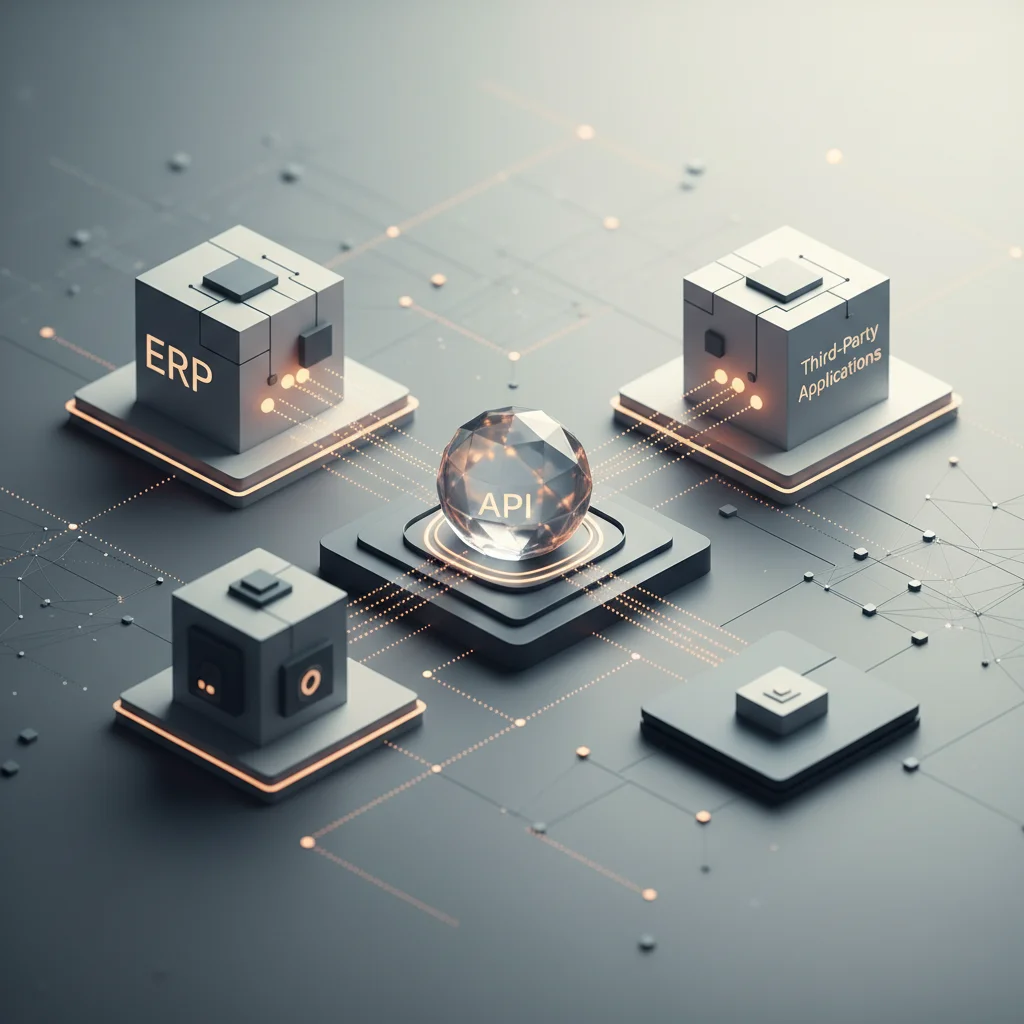
ERP integration connects Enterprise Resource Planning systems with third-party applications via APIs, ensuring real-time data synchronization and reducing manual entry errors.
ON THIS PAGE
0% read
- Understanding ERP Integration: A Strategic Overview
- Why ERP Integration Matters: Critical Business Outcomes
- Essential Types of ERP Integrations for Scalability
- How Does ERP Integration Work? Architectural Approaches
- Cautionary Insights: Challenges and Risks of ERP Integration
- Best Practices for a Secure and Seamless ERP Integration
ERP integration connects Enterprise Resource Planning systems with third-party applications via APIs, ensuring real-time data synchronization and reducing manual entry errors. For modern enterprises, bridging information gaps is not just a technological challenge but a fundamental business necessity. When organizational data remains isolated, efficiency drops, operational expenses rise, and decision-makers are left with fragmented insights. Establishing a unified data pipeline across human resources, customer relations, supply chain, and financial modules is essential for sustaining scalability and maintaining competitive operations.
Understanding ERP Integration: A Strategic Overview
The Shift from Data Silos to Unified Systems
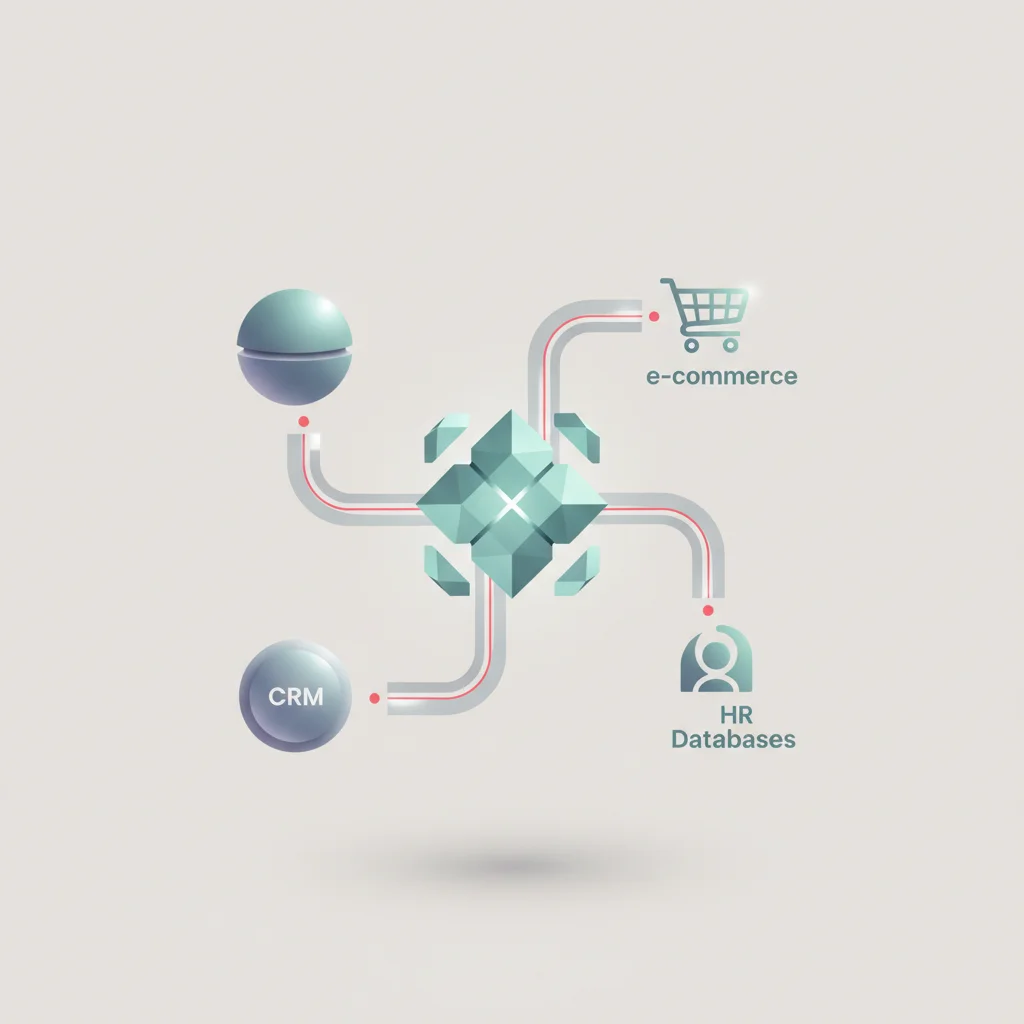
In decentralized enterprise environments, individual departments frequently rely on specialized software tailored to their unique functional needs. While these isolated tools optimize specific tasks, they inherently create localized databases known as data silos. A sales team operating solely within a Customer Relationship Management (CRM) platform remains unaware of inventory shortages tracked inside an Enterprise Resource Planning (ERP) platform. Concurrently, logistics teams using warehouse management systems may proceed with fulfillment schedules without visibility into outstanding credit holds managed by the finance department.
These information blockages introduce operational blind spots, resulting in communication failures, inaccurate order fulfillment, and delayed financial reporting. Transitioning to a unified system model eliminates these artificial boundaries by establishing a continuous, automated flow of information across the enterprise. When data transitions from an isolated asset to an accessible, organization-wide utility, cross-functional collaboration improves. A unified system architecture ensures that every department operates with identical, verified information, transforming how departments interact and align their strategic objectives.
How APIs Drive Real-Time Data Synchronization
The modern framework of system integration relies on Application Programming Interfaces (APIs). These protocols act as formal communication channels, allowing distinct software architectures to exchange data payloads without requiring direct database access. Modern APIs predominantly utilize REST (Representational State Transfer) or gRPC protocols, leveraging lightweight data formats such as JSON or Protocol Buffers to facilitate communication. This design ensures that transactions occurring in one application—such as a completed sale on an e-commerce platform—instantly trigger corresponding updates within the central ERP.
+------------------+                   +--------------------+                   +------------+
|  E-commerce App  | --(JSON Payload)-->|  API Gateway/iPaaS | --(SQL/RFC Call)-->|  ERP Core  |
|  (New Order WS)  |                   |  Transform/Validate|                   | (DB Update)|
+------------------+                   +--------------------+                   +------------+
API-driven integration depends on webhooks and event listeners to replace legacy batch processing. Instead of scheduling overnight file transfers (e.g., flat CSV files moved via SFTP), webhooks dispatch real-time event notifications immediately when an action occurs. For example, when a customer updates their shipping address, the CRM transmits a POST request to the API gateway. The gateway validates the request, maps the fields to match the ERP’s schema, and updates the ERP database within milliseconds. This real-time synchronization protects data integrity, ensures system consistency, and provides operational teams with up-to-the-minute business intelligence.
Bridging the Gap Between On-Premise ERP and Cloud-Based Architecture
Organizations navigating digital transitions often find themselves managing a hybrid software ecosystem. While newer business tools are typically cloud-native, many enterprises still operate legacy on-premise ERP platforms, such as SAP ECC or older Microsoft Dynamics AX configurations. These legacy systems are frequently highly customized, fragile, and housed within private, on-premise physical servers. Connecting these on-premise platforms with modern, cloud-based applications presents unique challenges in data formatting, communication latency, and network security.
[ Cloud Applications (CRM, HRIS) ]
               │  (HTTPS / TLS 1.3)
               ▼
   [ Cloud Security Gateway ]
               │  (IPsec VPN / SD-WAN)
  ========= Enterprise Firewall Boundary =========
               │
               ▼
[ On-Premise ERP Database (SAP / Oracle) ]
Overcoming this architectural divide requires a structured hybrid integration strategy. Security protocols require that on-premise systems remain protected behind enterprise firewalls, preventing direct public internet exposure. To establish connection pathways without compromising security, integration architects deploy secure cloud connectors, IPsec VPN tunnels, or SD-WAN configurations. These secure pathways allow cloud applications to communicate with on-premise databases through a secure gateway. This architectural middle layer translates modern cloud REST requests into legacy remote function calls (RFCs) or database queries, preserving legacy investments while enabling cloud accessibility.
---
Why ERP Integration Matters: Critical Business Outcomes

Eradicating Manual Entry Errors and Data Duplication
Manual data entry is a significant driver of administrative errors and operational delays within corporate environments. When staff are required to copy-paste purchase orders, customer details, or inventory updates from one application to another, errors are inevitable. Simple keystroke errors, transposed numbers in stock-keeping units (SKUs), or duplicate customer records can disrupt fulfillment pipelines, generate incorrect billing runs, and distort financial records.
Automated data synchronization eliminates the need for manual administrative entry. By establishing automated workflows between business applications, data is captured once at its primary source and distributed throughout the system architecture. For instance, when a customer enters their billing details on an e-commerce storefront, that data is automatically formatted, validated, and pushed directly into the ERP’s accounts receivable ledger. This automation protects data integrity, reduces administrative overhead, and allows personnel to focus on analysis and strategic tasks rather than manual data entry.
Enhancing Operational Efficiency and Automated Workflows
System integration streamlines business operations by enabling straight-through processing (STP) across multiple software platforms. In an integrated ecosystem, workflows operate continuously without requiring human intervention to pass tasks between departments. A streamlined sales-to-fulfillment process demonstrates this hands-off operational flow:
[ Customer Order ] ➔ [ CRM Opportunity Closed ] ➔ [ Automated ERP Order Creation ]
                                                               │
[ Customer Invoice Sent ] ◀ [ Logistics Shipment Picked ] ◀────┘
By connecting these processes, systems exchange data autonomously. Inventory counts adjust dynamically across sales channels, warehouse teams receive picking tickets instantly, and financial ledgers record revenue entries automatically. This level of process automation reduces processing cycle times, eliminates internal bottlenecks, and ensures that operational capacity scales efficiently without requiring a linear increase in administrative staff.
Empowering Real-Time, Data-Driven Decision Making
Relying on outdated information is a significant challenge for executive leadership. When systems are fragmented, compile-time reports must be manually extracted, formatted, and reconciled in spreadsheets—a process that can take days or weeks. Consequently, leadership often reviews historical performance reports rather than current operational realities, which can lead to delayed reactions to market changes or operational issues.
ERP integration provides a single source of truth that updates in real time, giving executives immediate access to accurate operational metrics. Whether monitoring cash flow dynamics, analyzing supply chain performance, or tracking product margins, decision-makers can access consolidated dashboards showing current, live data. This immediate visibility allows organizations to make proactive, data-driven decisions, adjust pricing strategies in response to supply fluctuations, reallocate capital, and identify operational bottlenecks before they impact performance.
Optimizing Return on Investment (ROI) and Cross-Functional Collaboration
Implementing and maintaining enterprise software platforms represents a major capital expenditure. When these platforms operate in isolation, their return on investment (ROI) remains constrained because their functionality is limited to specific departments. Integrating these applications maximizes their value by extending their features and data access across the entire organization, increasing overall system utilization and utility.
Additionally, integration fosters cross-functional collaboration by aligning different departments around shared, reliable data. When marketing, sales, procurement, and finance teams view identical inventory levels, lead pipelines, and cost structures, departmental friction decreases. Teams can work together more effectively to address complex business challenges, plan product launches, optimize working capital, and deliver a cohesive, unified customer experience.
---
Essential Types of ERP Integrations for Scalability
ERP and CRM Integration (Customer Relationship Management)
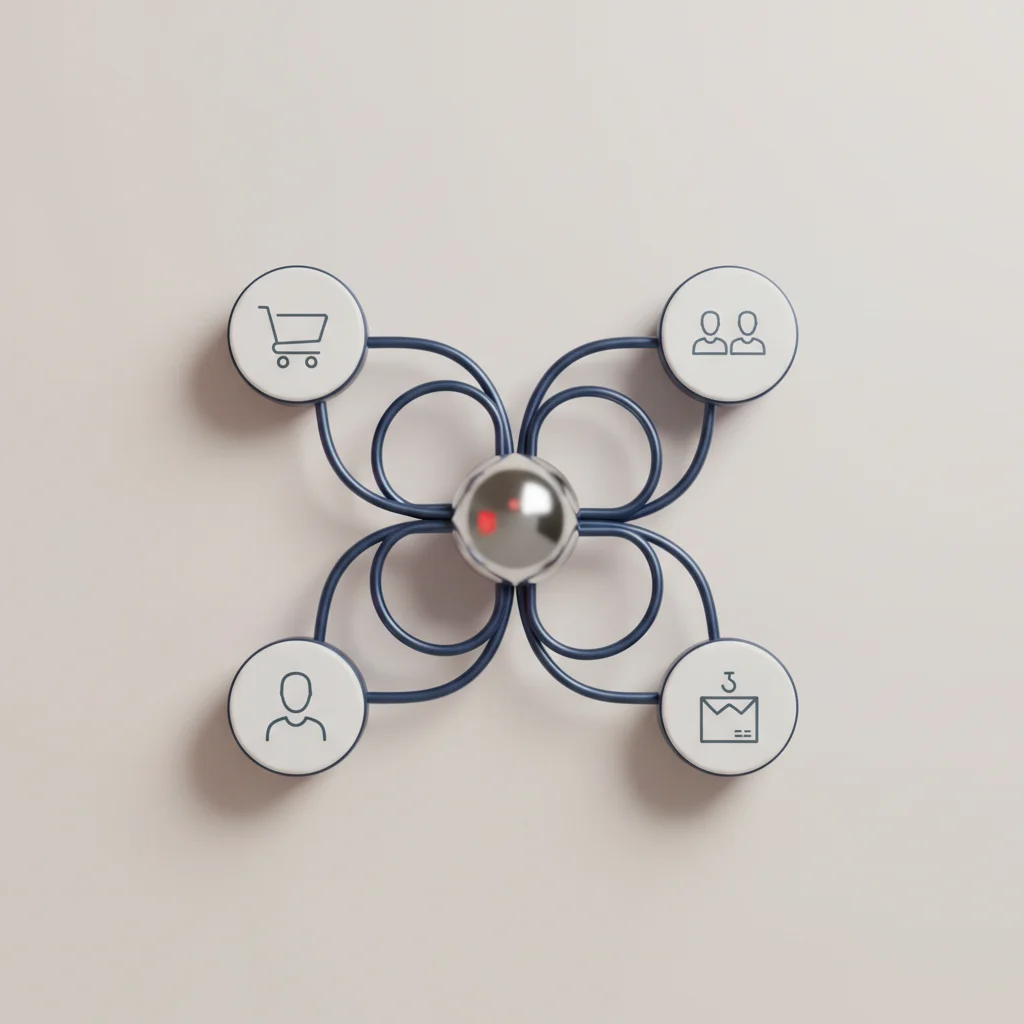
Connecting the CRM (e.g., Salesforce, HubSpot, or Microsoft Dynamics 365) with the ERP core is a fundamental integration for customer-facing businesses. Without this link, the sales pipeline remains separated from actual inventory levels, credit approvals, and billing history. This separation can lead to sales representatives quoting outdated prices or promising delivery dates that production schedules cannot meet.
Salesforce (CRM)                  API Gateway                     SAP S/4HANA (ERP)
┌────────────────┐               ┌─────────────┐                 ┌─────────────────┐
│ Opportunity    │               │  Transform  │                 │                 │
│ Closed-Won     │──(JSON REST)─▶│  & Validate │──(RFC / oData)─▶│ Sales Order     │
│ Event Trigger  │               │  Payload    │                 │ Auto-Created    │
└────────────────┘               └─────────────┘                 └─────────────────┘
An ERP-CRM integration automates the transition from prospect to paying customer by streamlining the lead-to-cash pipeline. When a sales opportunity is marked as "Closed-Won," the integration automatically generates a corresponding customer account and sales order within the ERP. It also checks the customer's credit limit and verifies product availability. Conversely, as invoices are generated and payments are processed, payment statuses sync back to the CRM, giving sales teams visibility into outstanding balances and account health.
ERP and E-commerce Integration (Omnichannel Operations)
For modern B2B and B2C organizations, the e-commerce storefront is a critical sales channel that requires tight integration with back-end systems. Operating an online storefront (such as Shopify, Magento, or BigCommerce) without a direct connection to the ERP often leads to stockouts, delayed fulfillment, and incorrect order entries. Manual entry of web orders into an ERP can cause shipping delays and degrade the customer experience.
Integrating your e-commerce storefront with your ERP automates transaction processing and inventory management:
Dynamic Inventory Synchronization: Real-time updates prevent overselling by reflecting stock levels on the storefront.
Automated Order Insertion: Orders are injected directly into the ERP's fulfillment queue, reducing cycle times.
Instant Shipping Updates: Tracking details and order status are passed back to the customer automatically.
B2B Customer Pricing: Displays customer-specific pricing and terms directly on the storefront.
This automated coordination reduces fulfillment cycle times, optimizes stock levels, and provides customers with accurate delivery expectations.
ERP and HRIS Integration (Human Resources Information Systems)
Human resource management is closely linked to financial planning, cost center accounting, and payroll administration. When the Human Resources Information System (HRIS) (such as Workday, BambooHR, or Rippling) is isolated from the ERP, administrative teams must manually reconcile employee records, hours worked, and department allocations. This manual reconciliation increases administrative overhead and introduces compliance and payroll risks.
An integrated HRIS and ERP architecture automates these key administrative and financial processes:
This automated link helps ensure that payroll calculations remain accurate, financial reporting aligns with current organizational structures, and compliance standards are maintained.
Supply Chain and Procurement Integrations
Managing a resilient, scalable supply chain requires real-time coordination with external partners, suppliers, and logistics providers. Relying on manual emails or phone calls to coordinate purchase orders, check shipment statuses, and manage inventory levels can lead to supply chain bottlenecks, stockouts, or excess safety stock.
Integrating supply chain systems with the ERP uses Electronic Data Interchange (EDI) and APIs to connect with external partners. When inventory falls below a specified safety threshold, the ERP can automatically generate and transmit a purchase order to the designated supplier. Additionally, real-time tracking from shipping carriers is fed directly into the ERP's logistics modules. This integration provides end-to-end supply chain visibility, improves procurement efficiency, and helps organizations adapt quickly to supply chain disruptions.
---
How Does ERP Integration Work? Architectural Approaches
Point-to-Point Integration: Pros and Limitations
Point-to-point integration connects two independent software platforms through custom, direct scripts or dedicated connectors. This approach is often used when an organization needs to link a single CRM to their ERP. For simple, isolated connections, point-to-point integration offers a fast deployment pathway with minimal initial infrastructure costs and no need for specialized middleware.
[ CRM ] <============== Custom Script ==============> [ ERP ]However, as an organization's software ecosystem grows, point-to-point connections become difficult to scale. Adding a third-party warehouse application, an e-commerce platform, and an HRIS requires building and maintaining separate, direct connections for each system. This creates a complex network of custom code—often referred to as "spaghetti architecture."
   [ CRM ] ─── Custom Script A ───▶ [ ERP ]
      │                               ▲
Custom Script C                Custom Script B
      │                               │
      ▼                               │
[ E-commerce ] ───────────────────────┘
This model is fragile and expensive to maintain; an update or change to the API of one system can break multiple connections, requiring extensive developer hours to troubleshoot and repair.
Enterprise Service Bus (ESB) and Middleware Solutions
To address the limitations of point-to-point connections, many organizations deploy an Enterprise Service Bus (ESB) or a dedicated middleware solution. An ESB acts as a centralized communication hub, routing data between various applications. Instead of connecting systems directly, each application connects once to the ESB, which manages message routing, data transformation, and protocol translation.
[ CRM ]         [ E-commerce ]         [ HRIS ]
   │                  │                   │
   ▼                  ▼                   ▼
=================================================
          Enterprise Service Bus (ESB)
=================================================
   ▲                  ▲                   ▲
   │                  │                   │
[ ERP ]         [ Warehouse ]       [ Finance ]
This centralized architecture decouples individual applications from one another. If the sales application is updated, developers only need to update its connection to the ESB, leaving other connected systems unaffected. Additionally, ESB platforms provide robust message queuing and transaction management, ensuring that data is delivered reliably even if a receiving system is temporarily offline.
While highly reliable, ESBs require specialized development expertise, significant infrastructure, and ongoing maintenance, making them best suited for complex, on-premise enterprise environments.
iPaaS (Integration Platform as a Service): The Cloud-First Approach
Integration Platform as a Service (iPaaS) is a cloud-native solution designed for modern, hybrid software ecosystems. Leading iPaaS platforms (such as MuleSoft, Workato, Boomi, and Celigo) provide cloud-based environments to build, manage, and monitor integrations. These platforms feature pre-built connectors for popular ERPs, CRMs, and SaaS applications, reducing the need for custom code.
+-----------+       +------------------------------------+       +-----------+
| SaaS App  | ----> |           iPaaS Platform           | ----> | Cloud ERP |
| (HubSpot) |       | (Data Mapping, Logic, Rate Limits) |       | (NetSuite)|
+-----------+       +------------------------------------+       +-----------+
iPaaS systems offer several advantages for growing enterprises:
Fast Deployment: Pre-built connectors and low-code mapping interfaces speed up implementation timelines.
Scalability: Cloud-native architecture automatically scales to handle high transaction volumes and data spikes.
Centralized Monitoring: Single-pane-of-glass dashboards track API health, rate limits, and processing errors.
Lower Maintenance Overhead: The iPaaS vendor manages security updates, server infrastructure, and connector maintenance.
By reducing the complexity of custom integration development, iPaaS helps businesses connect applications quickly and maintain a flexible IT infrastructure.
Hybrid Architecture: Connecting On-Premise Legacy Systems
For enterprises that operate legacy, on-premise ERP platforms alongside modern cloud applications, a hybrid integration architecture is often the most practical solution. A hybrid approach uses a cloud gateway proxy to connect on-premise databases with cloud applications, keeping sensitive data secure while enabling modern integrations.
+------------------+                   +----------------------+                   +------------+
|  Cloud App       | --(HTTPS/TLS)---->| Cloud Gateway Proxy  | --(Secure Tunnel)-->| On-Prem ERP|
|  (Salesforce)    |                   | (Validation/Routing) |                   | (Database) |
+------------------+                   +----------------------+                   +------------+
By using secure tunnels and gateway proxies, organizations can leverage their existing investments in on-premise ERP platforms while extending their capabilities to the cloud. This hybrid model allows enterprises to modernize their software ecosystem incrementally, avoiding the risks and costs associated with a complete ERP replacement.
---
Cautionary Insights: Challenges and Risks of ERP Integration
Data Security and Compliance Vulnerabilities (GDPR, CCPA)
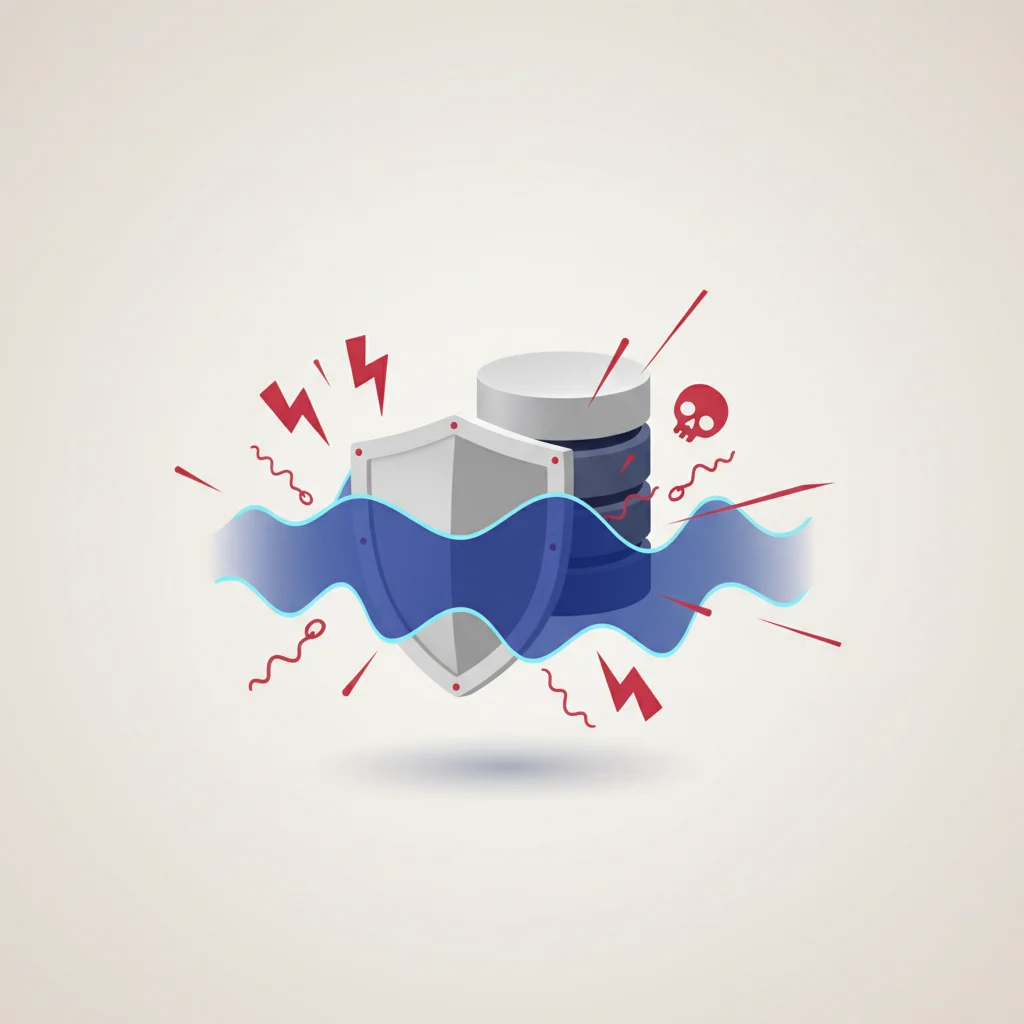
Integrating core business databases increases the risk of data security vulnerabilities. ERP platforms store highly sensitive corporate information, including proprietary financial records, operational data, and personally identifiable information (PII) of customers and employees. When these systems are connected to external applications, the overall attack surface expands, creating potential access points for unauthorized users or cyber threats.
[ External App ] ───( Compromised Credentials )───▶ [ Shared API ] ───▶ [ Central ERP Database ]To protect sensitive data and comply with global privacy standards like GDPR and CCPA, organizations must implement strict security controls throughout the integration architecture:
End-to-End Encryption: Encrypt all data in transit and at rest using strong protocols (such as TLS 1.3 and AES-256).
Role-Based Access Control (RBAC): Restrict system access so connected applications can only access the specific data they need.
API Security Best Practices: Secure all API endpoints using robust authentication mechanisms, such as OAuth 2.0.
Security Auditing: Log and audit all integration transactions to detect and investigate anomalous activities.
Establishing strong data governance and security controls helps protect sensitive assets and maintain compliance with privacy regulations.
Legacy System Compatibility Issues and API Limitations
Many older ERP systems were designed before modern web APIs were standard. These legacy platforms often lack native support for REST, SOAP, or JSON communication protocols. Instead, they rely on batch-file exports, flat CSV files, or database queries to share information.
Attempting to connect these legacy systems with modern cloud applications can lead to compatibility issues and operational bottlenecks. Flat-file integrations often struggle to support real-time data sync, which can result in data latency. Additionally, legacy platforms may lack robust API rate limiting, meaning a sudden spike in requests from a cloud app could overwhelm and crash the ERP database. Managing these compatibility issues requires custom middleware, adapters, and thorough performance testing to protect system stability.
Hidden Costs, License Fees, and Implementation Delays
ERP integration projects are complex undertakings that frequently experience budget overruns and schedule delays. While the initial costs of middleware or iPaaS subscriptions are easy to estimate, other expenses are harder to project:
                  ▲
                 ╱█╲   Visible Costs: Subscription & Basic Setup
                ▕███▏
─────────────────███─────────────────── Waterline
                ╱███╲
               ╱█████╲
              ╱███████╲
             ╱█████████╲  Hidden Costs: ERP custom modification,
            ╱███████████╲               Specialist consulting fees,
           ╱█████████████╲              Legacy vendor surcharge
Many ERP vendors charge additional licensing fees for "indirect access"—when external applications retrieve data from the ERP database via APIs. These fees can quickly escalate if they are not factored into the project budget from the start.
Additionally, custom database schemas and legacy workflows often require extensive customization, which can delay implementation timelines. Failing to account for these hidden costs and technical challenges can lead to over-budget projects and delayed returns on investment.
Maintaining Data Integrity and Managing Data Migration Risks
Data migration is a critical step in any ERP integration project. Migrating large volumes of data between legacy systems and modern cloud applications carries the risk of data loss, duplicate records, and schema mismatches. If data is not properly cleaned, validated, and mapped before migration, errors will propagate throughout the entire integrated system.
Source Data (CRM)                                  Target Data (ERP)
┌──────────────────────┐   Transformation Map      ┌─────────────────────────┐
│ Name: "Acme Corp"    │ ──(Schema Conflict?)────▶ │ Client_Name: "Acme Corp"│
│ Billing: "NY, USA"   │                           │ State: "NY"             │
│ Account_ID: "998273" │                           │ ERP_ID: [MAPPED_ID]     │
└──────────────────────┘                           └─────────────────────────┘
To maintain data integrity during migration, organizations should follow a structured data management strategy:
Data Profiling: Analyze and document the structure and quality of all source data.
Data Cleansing: Remove duplicate records, correct formatting errors, and standardize data fields.
Schema Mapping: Define clear mapping rules to translate data fields between source and target systems.
Incremental Migration: Migrate data in stages and perform thorough testing at each step to catch and resolve errors early.
By investing in data preparation and validation, organizations can protect their data assets and ensure a smooth migration process.
---
Best Practices for a Secure and Seamless ERP Integration
Conducting a Pre-Integration Tech Stack Audit
Before writing integration code or purchasing middleware, organizations should conduct a thorough audit of their existing technology stack. This assessment helps map out how data flows through the organization, identifying system dependencies, performance bottlenecks, and legacy limitations.
[ CRM ] ───(REST API)───▶ [ Middleware / Gateway ] ───(SOAP / DB Link)───▶ [ Legacy ERP ]A comprehensive tech stack audit should document:
System Capabilities: Identify the APIs, data structures, and performance limits of all applications to be integrated.
Data Lineage: Map how data travels between departments, identifying where it is created, updated, and stored.
Security Architecture: Evaluate current access controls, encryption standards, and compliance policies.
Integration Gaps: Pinpoint where manual processes or outdated tools are slowing down operations.
Documenting these technical baselines helps integration architects choose the right tools and design an integration that aligns with business needs.
Prioritizing API Security, Rate Limiting, and Endpoint Protection
Securing your API connections is critical for protecting sensitive business data. Because integrations expose core databases to external applications, organizations must implement robust security controls at every endpoint.
                     [ Public Internet ]
                              │
                              ▼ (HTTPS POST /api/v1/orders)
              ┌──────────────────────────────┐
              │  WAF & Rate Limiter          │ (Drop request if >100 req/min)
              └──────────────┬───────────────┘
                             │ (Valid Token Verified)
                             ▼
              ┌──────────────────────────────┐
              │  API Gateway (OAuth 2.0 Auth)│
              └──────────────┬───────────────┘
                             │
                             ▼ (Encrypted internal request)
              ┌──────────────────────────────┐
              │  ERP Core (Database)         │
              └──────────────────────────────┘
Organizations should adopt several essential API security practices:
Strong Authentication: Use modern protocols like OAuth 2.0 to authenticate and authorize all integration requests.
API Rate Limiting: Establish rate limits on all endpoints to prevent external applications from overwhelming the ERP database.
Web Application Firewalls (WAF): Deploy WAFs to monitor and filter incoming API traffic, protecting against injection attacks and other common threats.
IP Whitelisting: Restrict API access to authorized IP addresses to block unauthorized traffic.
Implementing these security measures protects key business systems and ensures the integrity of your integrated data.
Designating Robust Error Handling, Webhooks, and Fallback Queues
In any complex integration, system failures will occur. API endpoints may go offline, network timeouts can interrupt data transfers, and invalid payloads can trigger processing errors. Without robust error handling and fallback mechanisms, these failures can lead to data loss and operational disruptions.
Failed API Payload ➔ Catch Error Exception ➔ Write to Dead Letter Queue (DLQ)
                                                              │
Notify Operations Administrator ◀◀ Retry Mapping Pipeline ◀───┘
Integration architects should design fault-tolerant systems using retry logic and fallback queues:
Idempotent Consumer Pattern: Design integrations so processing the same payload multiple times does not create duplicate database records.
Dead Letter Queues (DLQ): Route failed transactions to a secure queue for review and troubleshooting, preventing data loss.
Automated Notifications: Set up instant alerts (via email, Slack, or monitoring dashboards) to notify administrators when critical integrations fail.
Exponential Backoff: Implement retry logic that gradually increases the delay between retries, avoiding overloading target systems during outages.
Building fault tolerance into the integration architecture helps ensure continuous operations and prevents data loss.
Choosing the Right Integration Partner or iPaaS Solution
Selecting the right tools and partners is critical for the long-term success of an ERP integration project. While building custom connections internally can seem appealing, it often leads to high maintenance costs and scalability issues.
                             Integration Project
                                      │
              ┌───────────────────────┴───────────────────────┐
              ▼                                               ▼
     [ Cloud-First iPaaS ]                           [ Custom Internal Dev ]
     - Rapid deployment                              - Long development timelines
     - Low maintenance overhead                      - High maintenance costs
     - Predictable costs                             - Scalability bottlenecks
When evaluating integration options, organizations should consider several key factors:
Connector Library: Verify that the platform offers pre-built, tested connectors for your specific ERP and core applications.
Security Standards: Ensure the platform meets enterprise security standards, including SOC 2 compliance and support for modern encryption protocols.
Scalability: Choose a solution that can handle your current transaction volumes and scale as your business grows.
Partner Expertise: Look for integration partners with deep technical experience in both your ERP platform and modern middleware solutions.
Working with experienced partners and leveraging reliable integration platforms helps reduce project risk and ensures a successful, scalable implementation.
Follow this structured phase plan to design, construct, and release your ERP integration. Conduct a tech stack audit, document all data lineage requirements, and define clear KPI milestones. Map data fields between target endpoints and conduct isolated sandbox payload validation tests. Build connection endpoints, configure data routing rules, and establish error-handling mechanisms. Conduct penetration testing, verify RBAC roles, and run full-scale data migrations in sandbox environments. Route live production data, monitor real-time sync latency, and assign administrators to review DLQ events.The Integration Implementation Roadmap
Phase 1: Business Process Discovery
Phase 2: Schema Mapping & API Testing
Phase 3: Middleware Construction
Phase 4: Security Verification & Dry Runs
Phase 5: Production Deployment & Monitoring
---
Frequently Asked Questions
What is a real-world example of an ERP integration?
A common example is connecting an e-commerce storefront like Shopify to an ERP like NetSuite. When a customer makes a purchase, the order data automatically syncs to the ERP, updating inventory, generating an invoice, and alerting the warehouse team without manual data entry.
How long does an average ERP integration take?
Implementation timelines depend on system complexity and the chosen architecture. Simple integrations using iPaaS and pre-built connectors can take 4 to 8 weeks, while complex enterprise integrations involving legacy, on-premise systems can require 6 months or longer.
Is it possible to integrate legacy ERP systems with modern cloud apps?
Yes, legacy ERP systems can connect to modern cloud applications using middleware, secure cloud gateways, or iPaaS platforms. These middle layers translate cloud-native REST/JSON calls into legacy database protocols, allowing secure data synchronization without altering core legacy code.
What are the main differences between Point-to-Point and iPaaS integrations?
Point-to-point connections use custom, direct scripts to link two systems, which can become difficult to maintain as more applications are added. In contrast, iPaaS is a cloud-based service that centralizes, manages, and scales integrations using pre-built connectors and low-code mapping interfaces.
How does indirect access licensing affect ERP integration costs?
Indirect access occurs when external applications access or query ERP data via APIs. Some ERP vendors, such as SAP, charge fees for this indirect access, which can increase overall integration costs if not accounted for during budgeting.
How do you prevent duplicate records during ERP data migration?
Preventing duplicates requires cleaning, formatting, and standardizing data before migration. Implementing the idempotent consumer pattern in your integration logic also helps ensure that processing the same transaction multiple times does not generate duplicate database entries.
What security standards are required for ERP integration?
Essential security measures include encrypting all data in transit using TLS 1.3, encrypting data at rest via AES-256, implementing role-based access controls, and securing all API endpoints with modern authentication protocols like OAuth 2.0.
What happens to integrations if the ERP system goes offline?
To prevent data loss during outages, integrations should use robust middleware with built-in message queuing and dead letter queues (DLQs). This allows incoming transactions to be securely held in a queue and processed once the ERP system returns online.